Teacher Demonstration
Use the live model as a shared screen demonstration before students try their own predictions and observations.
Analyse Projectile Motion Model as a Tracker video-analysis activity for kinematics, using tracked motion and graphs to reason about projectile motion.
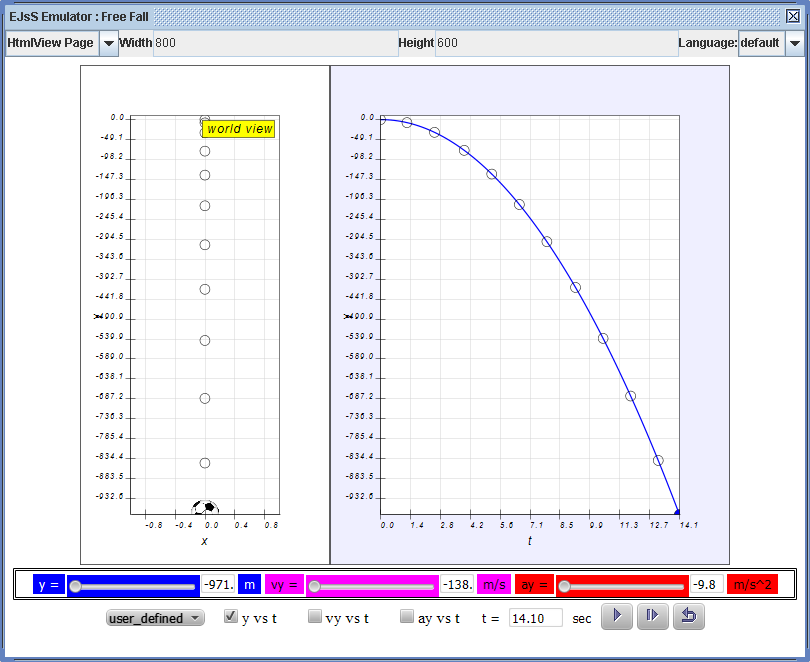
Use the live model as a shared screen demonstration before students try their own predictions and observations.
Open the simulation, adjust the controls, and compare what changes on screen before answering the concept-check questions.
Which parts of the projectile's motion are horizontal, which are vertical, and how does gravity change the path?
Before launching, predict how changing angle or speed will affect range and height.
Identify what changes in the horizontal direction and what changes in the vertical direction.
Change one launch variable and compare trajectory, time of flight, or range.
Use downward acceleration to explain why the vertical velocity changes during flight.
Use this to teach component reasoning. Keep asking students to explain horizontal and vertical motion separately before discussing the full curved trajectory.
Ask: Why does the path curve? What stays constant horizontally if air resistance is ignored? How does launch angle affect range?
Pair a trajectory sketch with component arrows at three positions: launch, top, and landing.
These questions are generated from the topic and the concept illustrated by the simulation. Use them after students have explored the model.
Correct first attempts build a streak and unlock higher point multipliers on this device.
1. In ideal projectile motion, what causes the vertical velocity to change?
2. Why can horizontal and vertical motion be considered separately?
3. At the top of a projectile path, what is usually true of vertical velocity?
4. What changes when launch speed increases, all else equal?
5. What is strong evidence from the model?
Unlocks after 3 correct concept-check answers on this page.
1. At the highest point of an ideal projectile path, which statement is most precise?
2. Why can horizontal and vertical projectile motion be analysed separately?
3. A student says the projectile needs a forward force throughout flight because it keeps moving forward. What is the best feedback?
4. Two projectiles are launched at the same speed, one at 30 degrees and one at 60 degrees. What should students compare?
5. What is the best evidence that air resistance is affecting a projectile model?
Anonymous activity shows this resource is being discovered, revisited, and used by learners in different places.
Country or region is inferred anonymously from server location headers when available. No names, accounts, or IP addresses are shown.