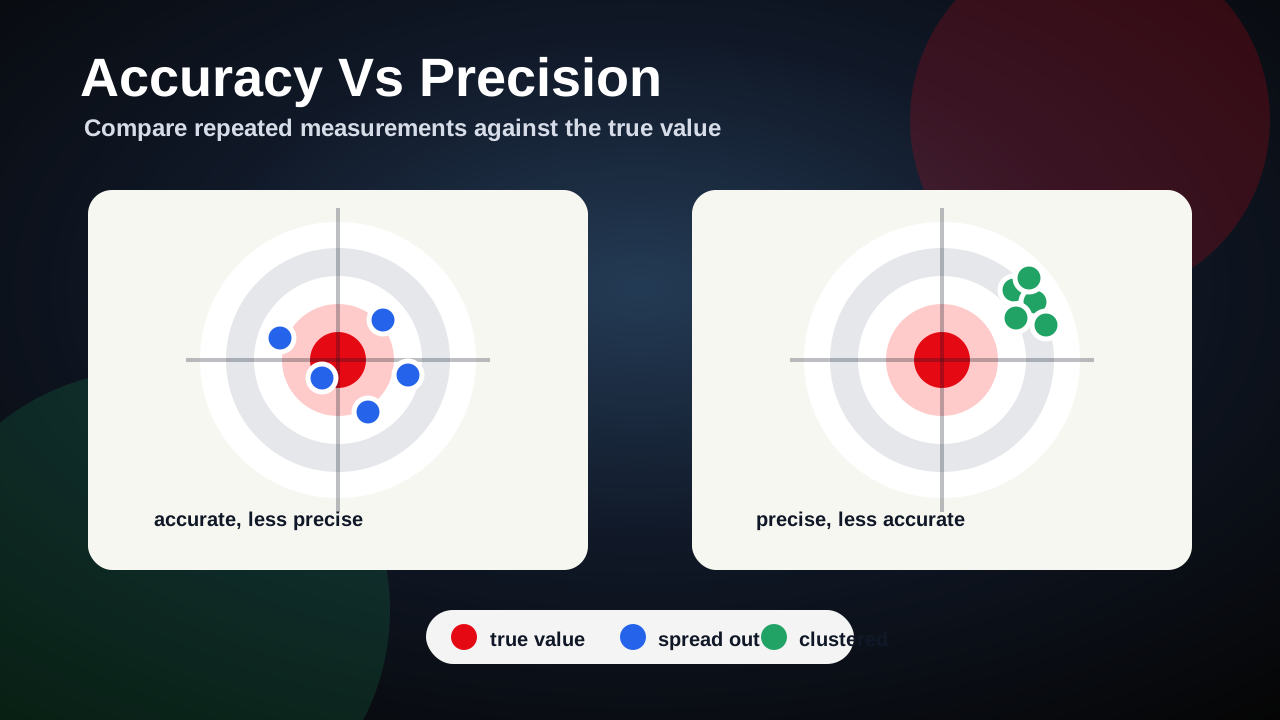
1. Accuracy Vs Precision
01_measurement / accuracyPrecisionOpen Accuracy Vs Precision, an interactive HTML5 learning activity for Measurement.
Measure carefully before modelling. This chapter builds uncertainty, scale, instruments, and physical quantities.
Start chapter Next: KinematicsStudy two or three interactives, then answer the concept checks before moving on.
Study two or three interactives, then answer the concept checks before moving on.
If this chapter feels hard, study the first few interactives and use the concept checks until your streak improves. If it feels easy, jump to resources with videos or OSPSG links and explain the model evidence in your own words.
Open Accuracy Vs Precision, an interactive HTML5 learning activity for Measurement.
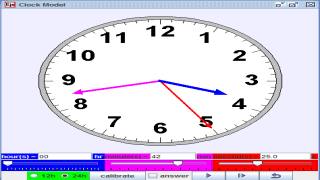
Practise reading the hour, minute, and second hands on a 12-hour clock, including o'clock, half past, and minutes past or to the next hour.
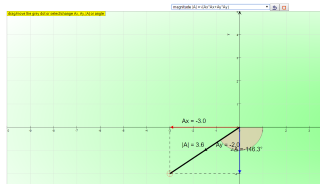
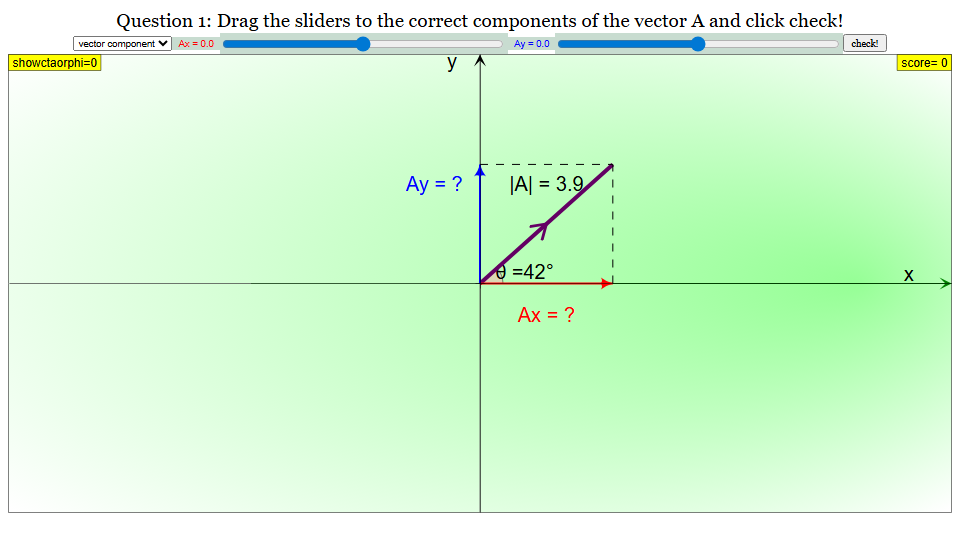
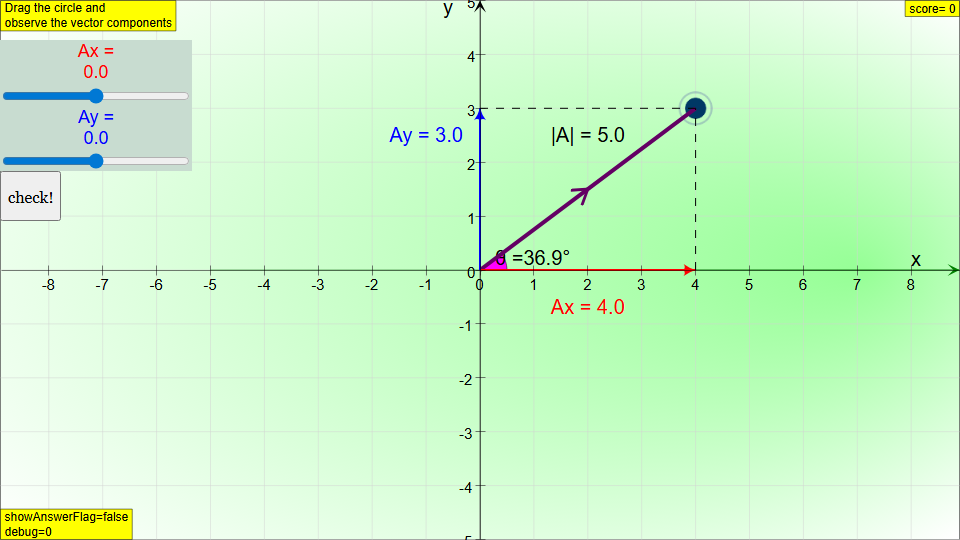
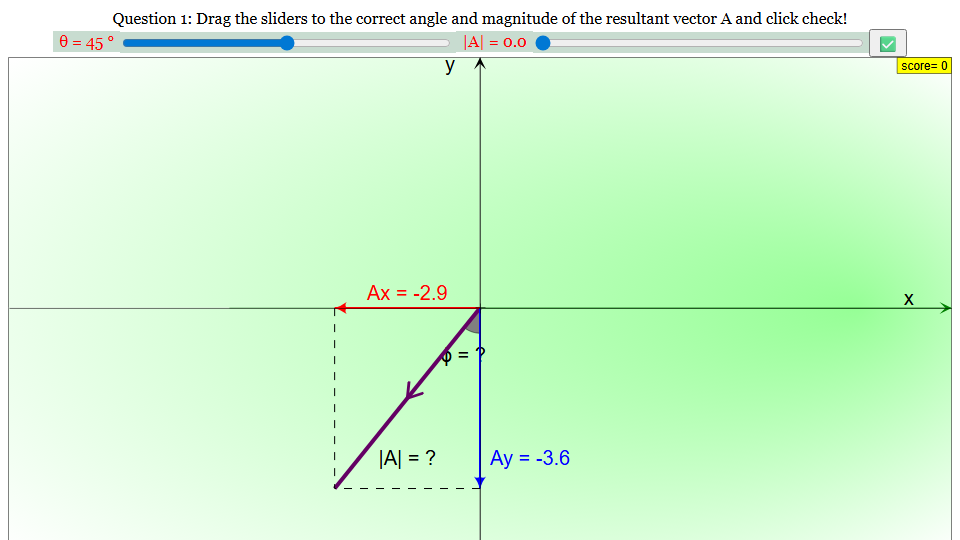
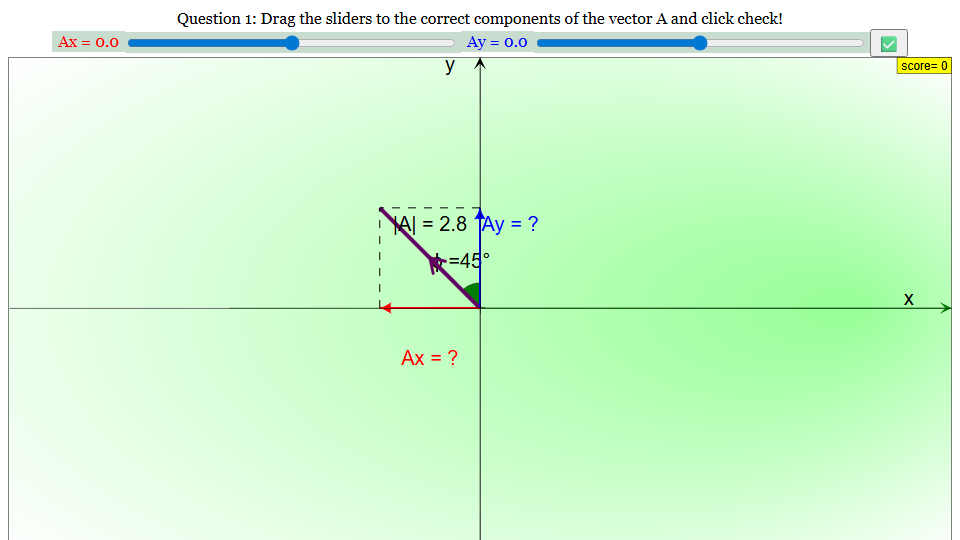
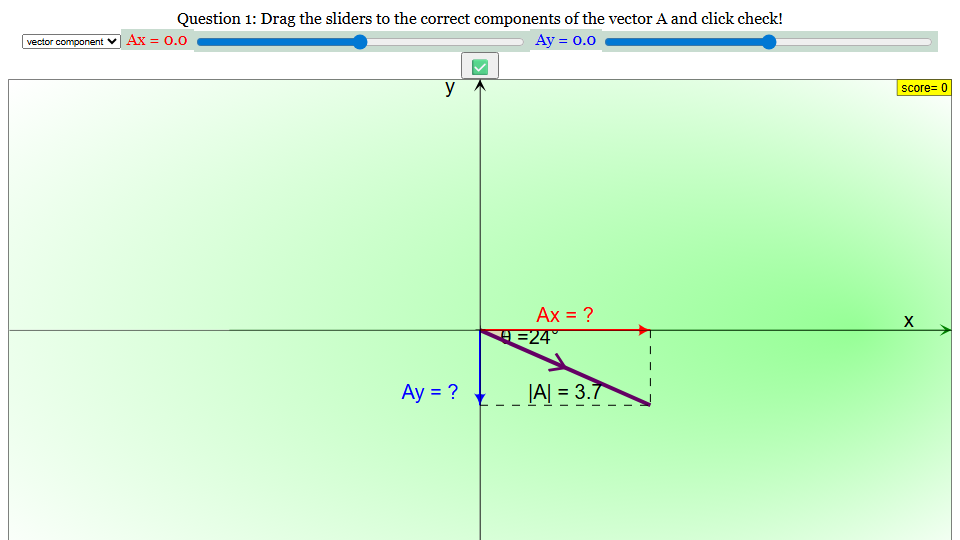
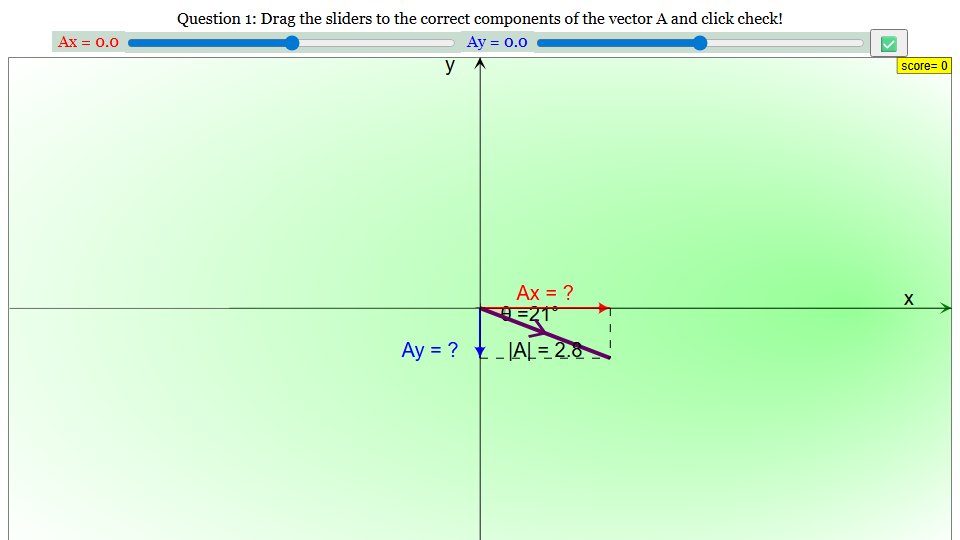
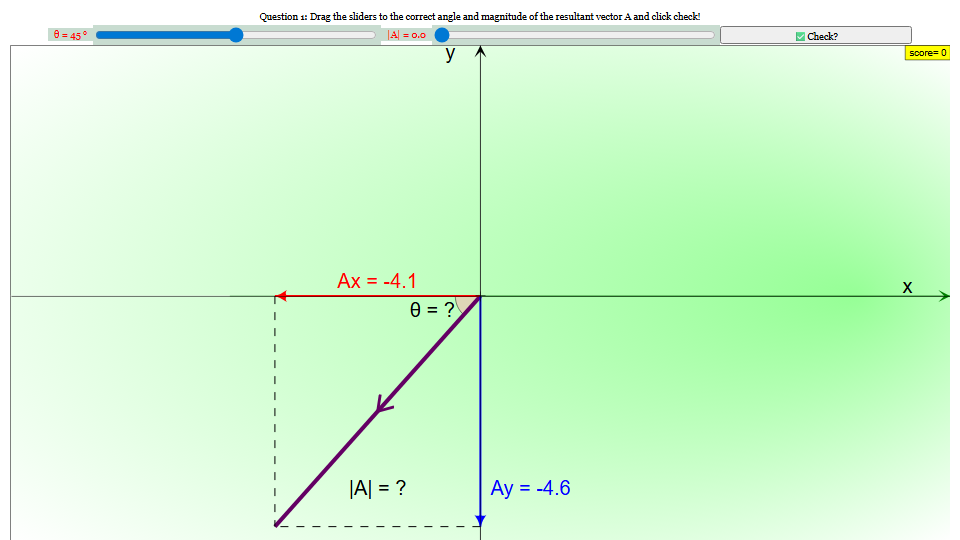
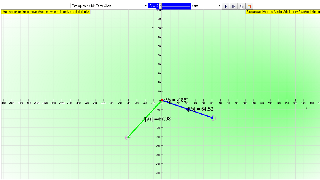
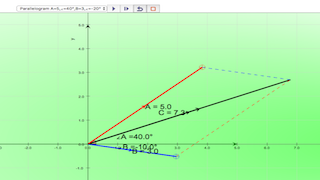
Use vector arrows, direction, scale, components, and resultant displacement to reason from the display rather than memorising a rule.
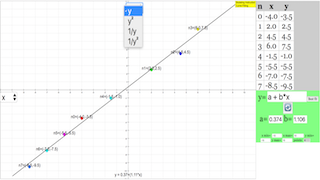
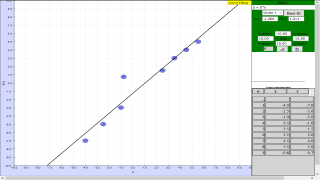
Use the x-y graph to add data points, adjust a polynomial curve, compare with Best Fit, and judge whether the model fits the data using residuals or visible mismatch.
Use vector arrows, direction, scale, components, and resultant displacement to reason from the display rather than memorising a rule.
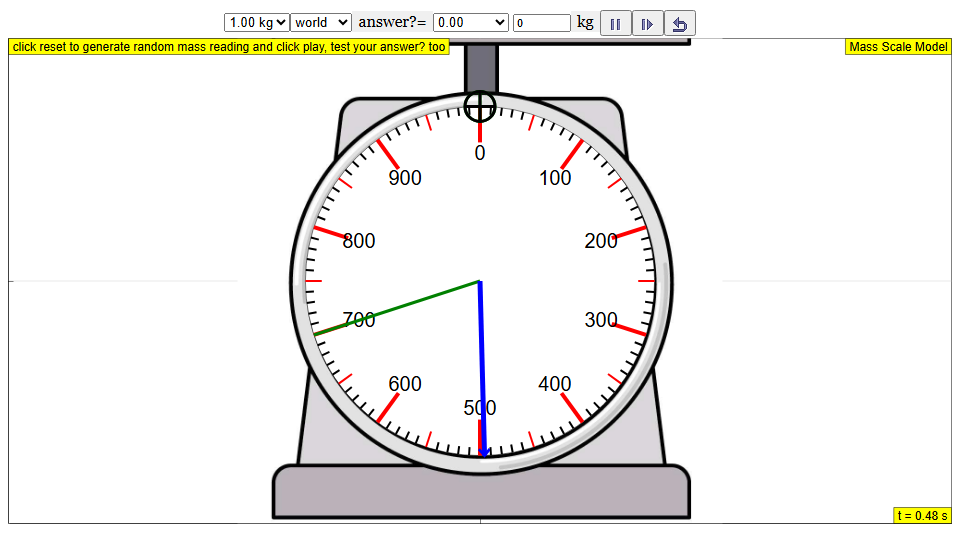
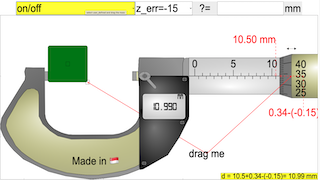
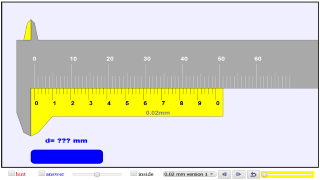
Practise reading the instrument scale, choosing the correct unit, and judging precision or zero error from what the model shows.
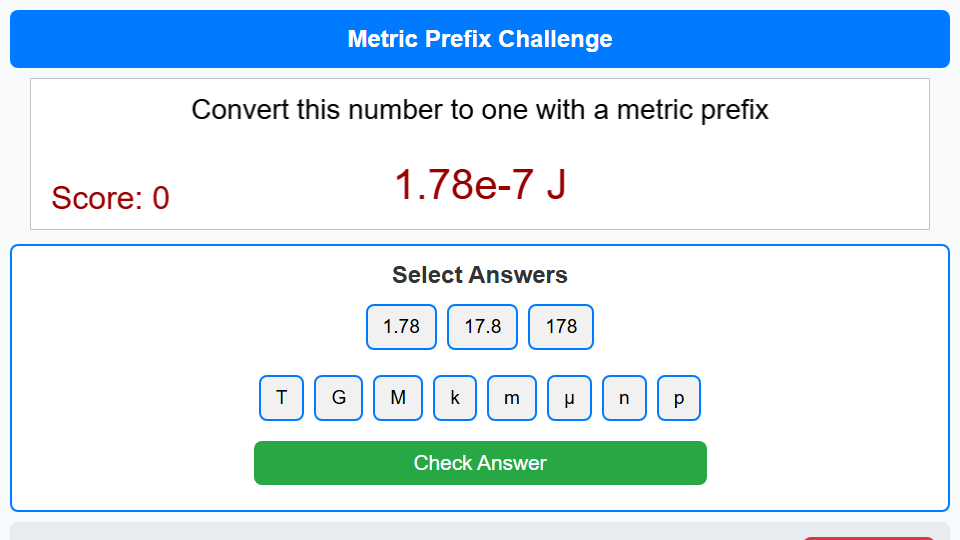
Open Metric Prefix Challenge, an interactive HTML5 learning activity for Measurement.
Practise reading the instrument scale, choosing the correct unit, and judging precision or zero error from what the model shows.
Use the controls and display to practise reading physical quantities, choosing units, and explaining measurement decisions from evidence.
Use the oscilloscope trace to connect volts-per-division and time-base settings to amplitude, peak-to-peak voltage, period, frequency, and waveform shape.
Use vector arrows, direction, scale, components, and resultant displacement to reason from the display rather than memorising a rule.
Use the interactive to connect measured quantities, units, precision, uncertainty, and sensible reporting of physical values.
Use vector arrows, direction, scale, components, and resultant displacement to reason from the display rather than memorising a rule.
Explore how two rotating vectors add tip-to-tail, compare components with the resultant, and connect changing angles to the pattern drawn on screen.
Practise reading the instrument scale, choosing the correct unit, and judging precision or zero error from what the model shows.
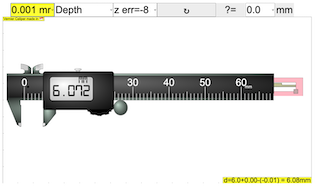
Open Vernier Calipers, an interactive HTML5 learning activity for Measurement.
Practise reading the instrument scale, choosing the correct unit, and judging precision or zero error from what the model shows.